
Know before you play
Minecraft-inspired rather than a Valheim-style action RPG. Install both Luanti and the VoxeLibre game; the project labels itself beta.
A strong option for the building loop
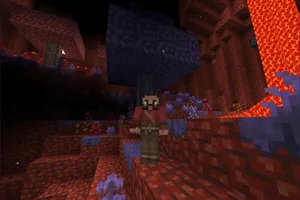
VoxeLibre connects gathering and tool-making with a world made of editable blocks. Survival includes hunger and hostile creatures; creative mode serves a different, unrestricted building purpose. That gives a former Valheim group a clear question to answer: do you want the everyday resource-and-home routine, or specifically Valheim’s combat and atmosphere? The first requirement makes this worth examining. The second points elsewhere.
The engine and the game are separate downloads
The official beginner guide starts with the Luanti client, then installs VoxeLibre through its content browser. Merely downloading the engine is not the same as installing this game. Keeping that distinction visible makes the recommendation more useful for newcomers. Use the documented package route and a stable engine version before experimenting with additional mods.
Where it fits in the shortlist
Choose VoxeLibre for freeform construction and a flexible survival sandbox. Its block-based perspective and Minecraft inspiration make it a different experience from a third-person Viking adventure. Compare Muck when the group wants a pressured survival run, and Wurm Online when the aim is a persistent medieval settlement. VoxeLibre is an additional route to the activity, rather than a claim that every game here belongs to the same RPG subgenre.
Getting started
- Download the latest stable Luanti client from its official website.
- Open Content, then Browse online content, and select Games.
- Find VoxeLibre and follow the project’s installation instructions.
- Choose survival or creative mode deliberately; align versions before multiplayer.
Sources for this guide
- Official game overview and beta status
- Official installation and beginner instructions
- Luanti engine downloads
- Media licenses and attribution
Checked 15 October 2026. Features and requirements are sourced, not benchmarked. The comparison and fit assessment are our editorial interpretation. Check the official page for later changes.